Seattle's #1 Destination for
MacBook Pro
MacBook Air
iMac Desktop
Logic Board
Data Recovery
MacBook Pro
Repair.
Expert fixes for MacBook Pro, MacBook Air, iMac, and Component-Level Micro-soldering
Don't let a liquid spill or cracked screen stop your workflow. From shattered Retina displays to logic board micro-soldering, we provide lightning-fast, precision Apple Mac repair right here in Seattle.
Independent Apple Experts
Component-Level Fixes.
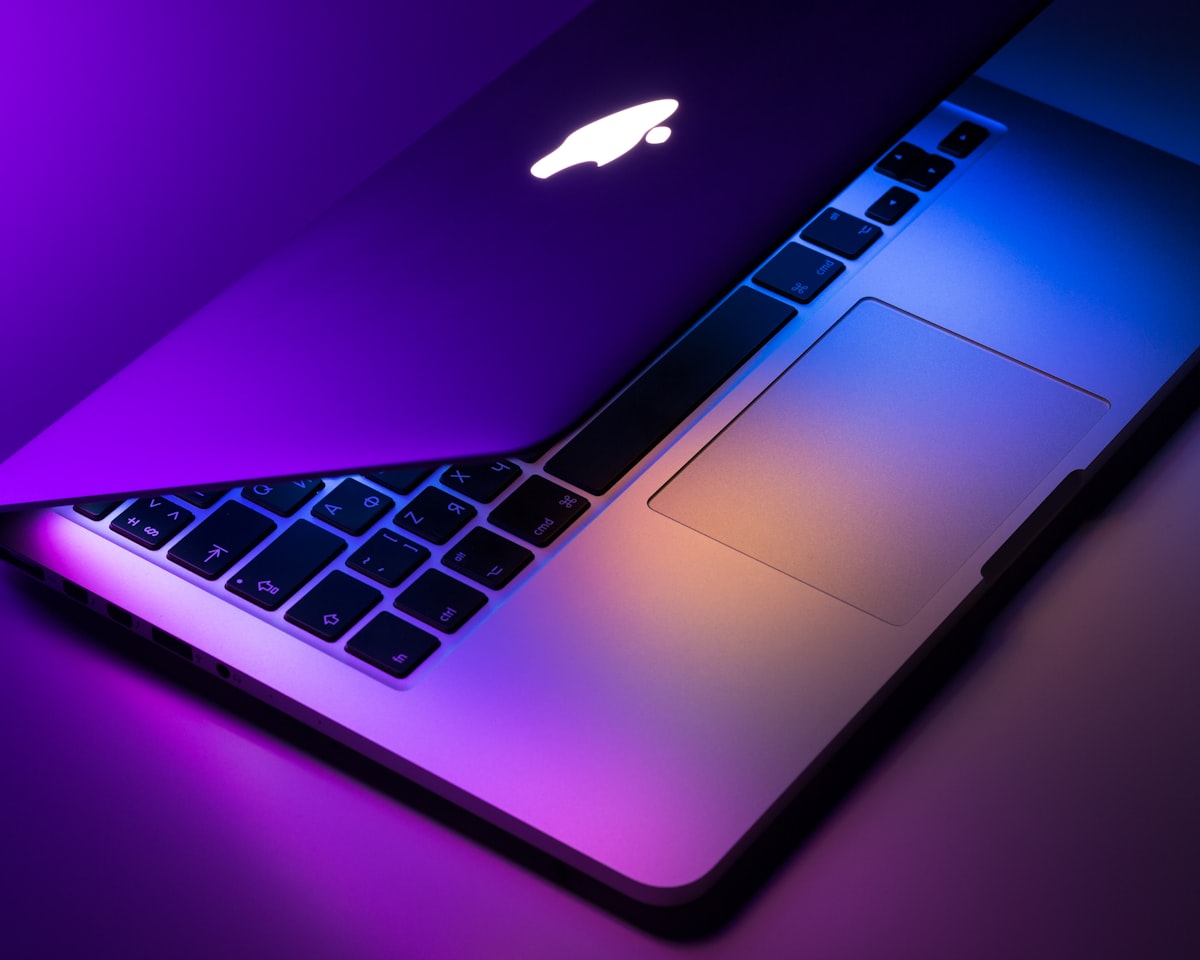
Precision Display Repair
We fix cracked MacBook Retina displays, shattered iMac glass, and Flexgate backlight issues using premium assemblies engineered for perfect True Tone calibration.

Logic Board & Liquid Damage
Coffee spill? Don't pay Apple $1,000 for a new board. We utilize ultrasonic board cleaning and trace-level micro-soldering to revive completely dead electronics.
Model Identification
Identify Your Device.
Check the bottom of your Mac case or stand for the "A-Number" (e.g., A2442) and type it into the search bar to instantly find your model.
MacBook Pro
M-Series & Intel 13", 14", 15", & 16". Screens, batteries, and logic board recovery.
View Model & PricingMacBook Air
11", 13", & 15" Models. Fast battery replacements and liquid damage repair.
View Model & PricingiMac Desktop
21.5", 24", & 27" All-in-Ones. Revitalize slow Intel iMacs with fast SSD upgrades.
View Model & PricingMac mini & Studio
Professional desktop solutions. USB-C resoldering and logic board diagnostics.
View Model & PricingTransparent Cost Structure
Base Starting Prices.
Costs vary based on processor year (Intel vs Apple Silicon). Final quotes are generated after a free, physical diagnostic in our lab.
MacBook Pro
13", 14", 15", & 16" Models
MacBook Air
11", 13", & 15" Models
iMac & Desktops
21.5", 24", 27" Models
Legacy / Data
Vintage Models & Hardware
Our Workflow
The Mac Repair Process.
Complex electronics require a rigorous workflow. Here is how we safely restore your computing power.
Drop-Off or Ship
Bring your broken Mac into our Seattle shop, or use our secure nationwide mail-in portal.
Free Diagnostic
We safely open your Mac, trace shorts on the logic board, and provide a transparent quote.
Expert Repair
Our technicians use OEM-grade parts, ultrasonic cleaning, and micro-soldering to restore factory specs.
Hardware Test
We run comprehensive Apple Diagnostics, thermal stress tests, and verify complete data integrity.
Frequently Asked Questions
Apple said my Mac can't be fixed. Can you?
How do I find my specific Mac model?
Can you speed up my slow iMac?
Seattle Walk-In Lab
Right next to UW campus. Drop off your broken MacBook or iMac for a free diagnostic and fast repair.
Get DirectionsMail-In Mac Repair
Not in Seattle? Ship your Apple device to our lab. We offer secure processing and fully insured return shipping.
Start Mail-InGadget Rehab Seattle
3511 NE 45th St STE 1
Seattle, WA 98105
Hours
Mon–Fri: 10am – 6pm
Sat: 11am – 4pm